
This article is part of a series about creating GPX files for South Korea’s Cross Country Cycle Route.
In the previous article, we adjusted the separate GPX files that form South Korea’s Cross Country Cycle Route. Now it is time to merge them together.
- Open GPX Studio (free, online).
- Load all the separate files that were prepared earlier.
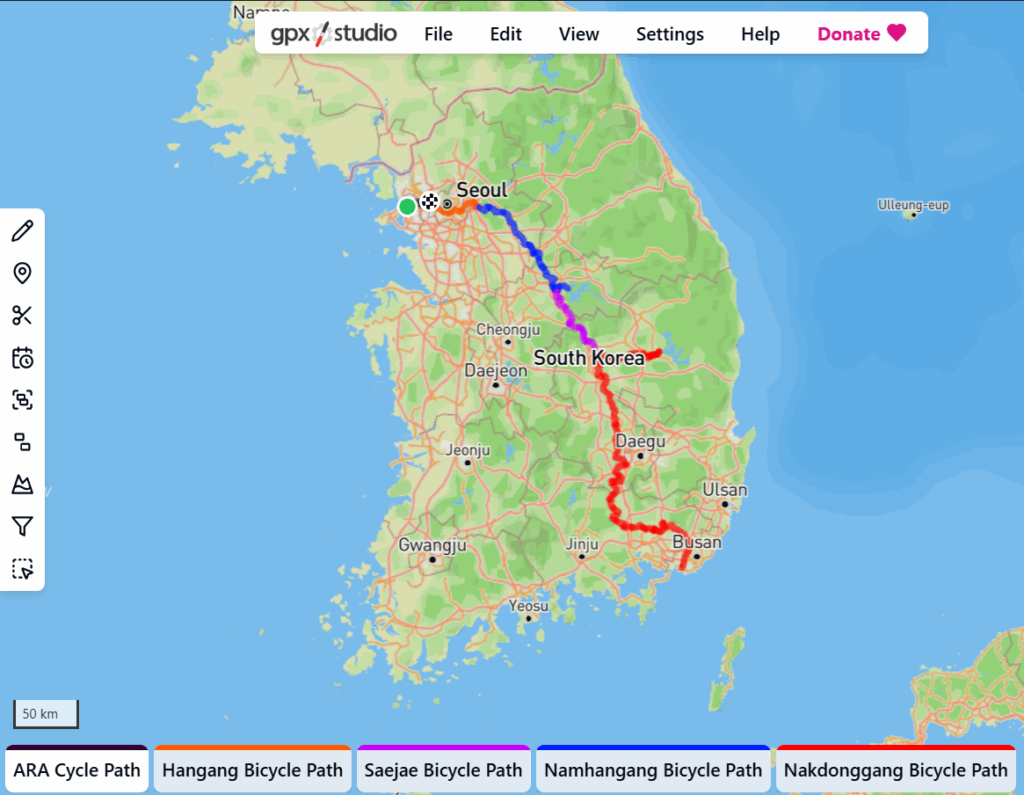
- Select all the path (Edit / Select All)
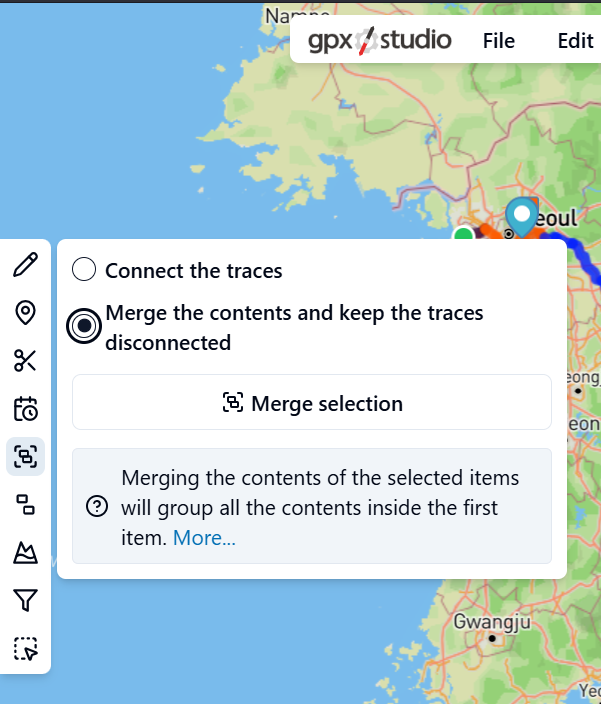
- Merge them together
- It is best to use the option “Merge the contents and keep the traces disconnected”
- Export the data (File / Export). Give the file a recognisable name, for example, “South Korea Cross Country Bicycle Path OSM Trimmed.gpx”
Leave a Reply