
When I was cycling in South Korea in October 2025, I found it very useful to have good route data for my cycling computer. It was especially useful for navigating between the Four Rivers Cross Country bicycle path and railway stations or hotels.
Here’s my method for generating GPX routes.
- Open Kakao Maps on my phone
- Long press on my starting location, and select it as the ‘From’ point
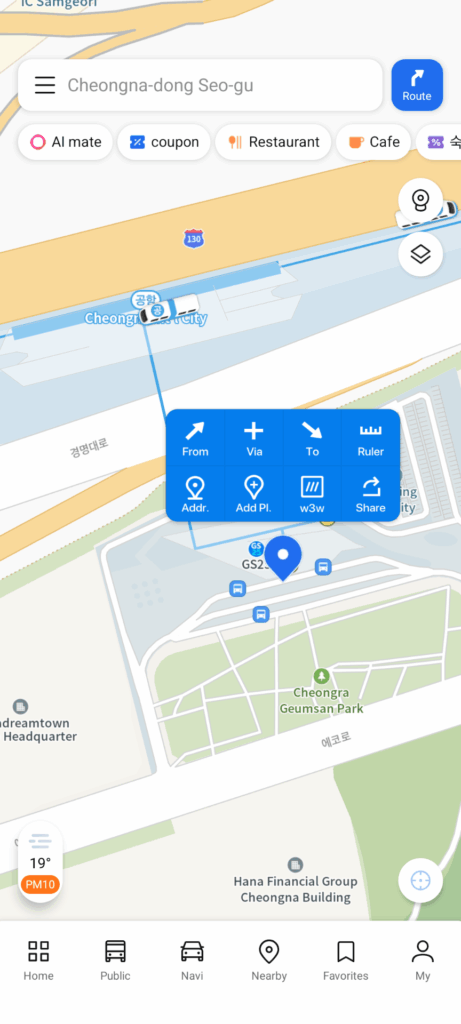
- Select the bicycle mode
- Identify the ‘To’ point using a bookmark, location search, or the map
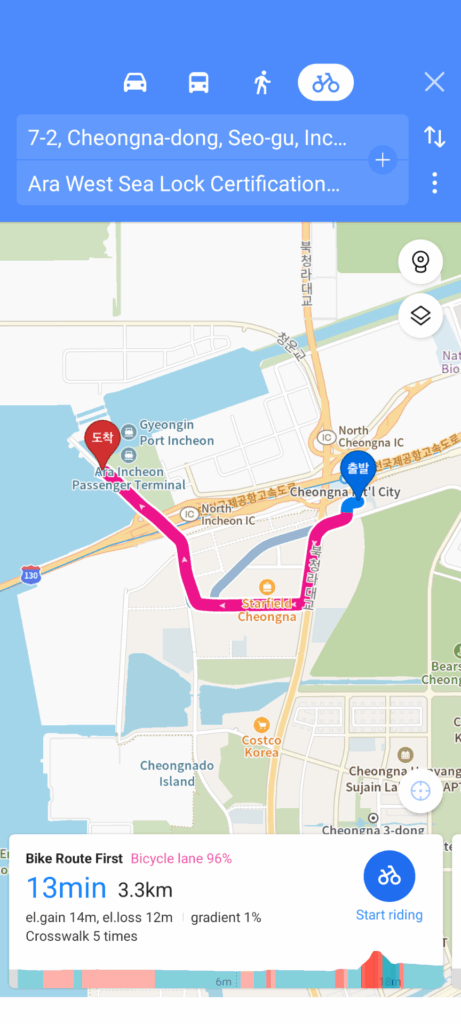
- Tap on the profile area at the bottom of the screen to access the details, including the GPX file download button
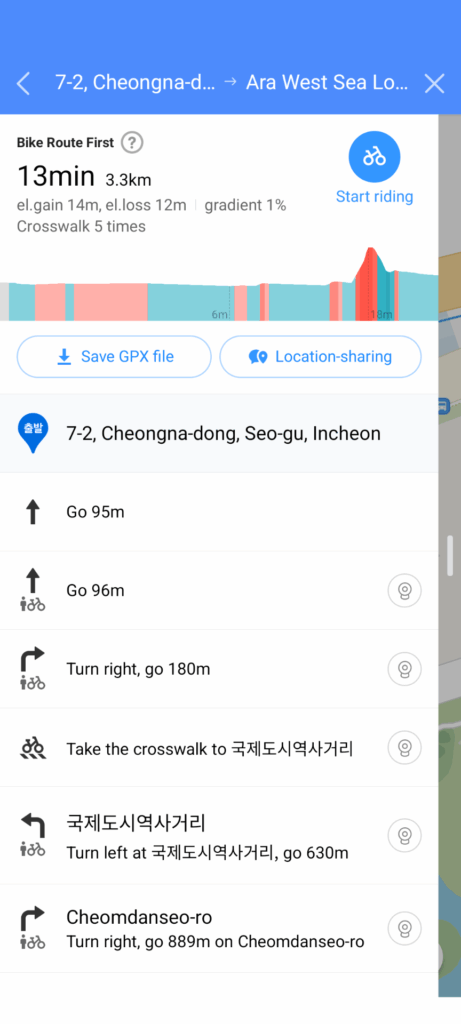
- Save the GPX file
- Import it into the bike computer route app just like any other GPX file